


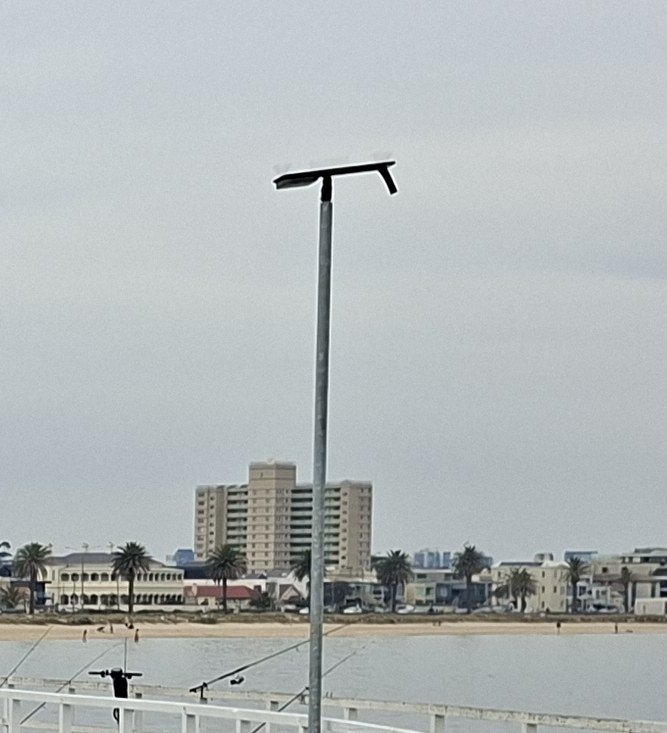
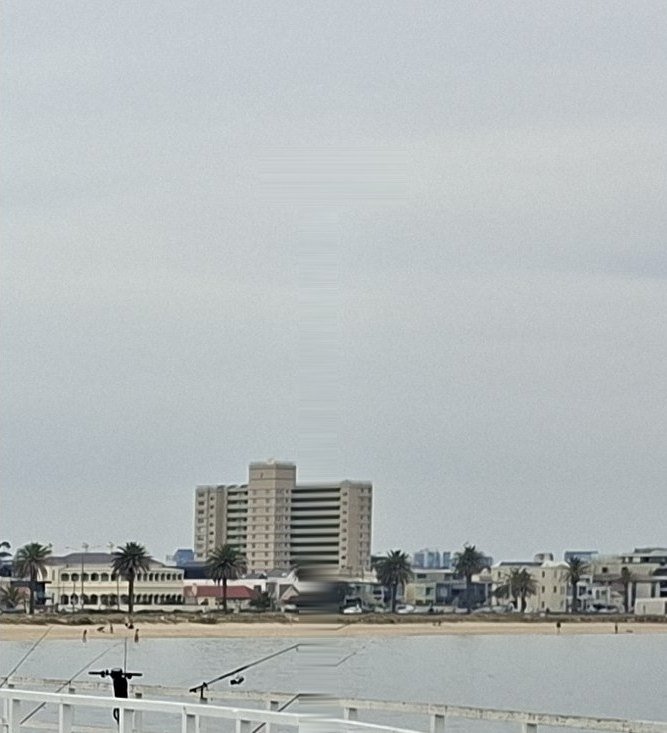
Our own photo of a pier in Melbourne, taken on an Android phone. We made a copy and removed one lamp post, then checked both files.


What changed
- One lamp post. At normal size, few people would notice it had gone.
- What saved the file. The original's compression matches no known editing software, as you'd expect from a phone. The copy's matches a common software encoder, with signs of a second save.
- The thumbnail. The phone stored a small preview that matched the photo. Saving the edit threw it away.
What the report said: Authenticity A for the original, B for the edited copy, with Origin as its weakest area.

The report didn't point at the lamp post. It showed the file had been re-saved by software, and a photo that's meant to be straight off the phone shouldn't have been.
Go deeper
- How to check one yourself: Has this photo been edited?
- Why it works: How to tell if a photo has been edited, by Kenneth Springer
- Try it on your own photo
Tagged
edited-photos


