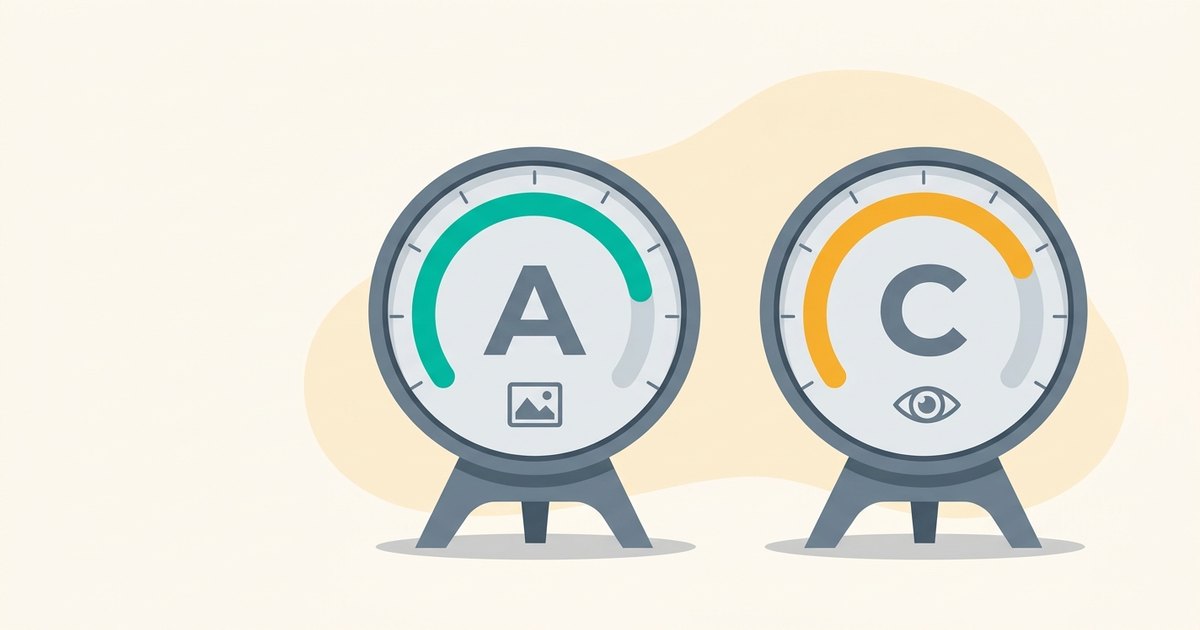
Earlier this month we added a confidence beside every grade in a snapWONDERS analyse report. This is the next step, and it changes the big letter at the top of the report. There are now two.
Why one letter was not enough
A report checks four things: Privacy, Origin, Manipulation and Security. Until now the top grade added findings up across all four. That had problems.
Several small findings in different categories could add up to an F that no single category had earned. Averaging would do the opposite: one serious problem gets watered down by clean categories. Good lights and a good accelerator do not make up for brakes that fail.
We also found a subtler one. A photo with location data switched on would lose marks for privacy. Strip that metadata out, and the same photo, even after editing, could come back looking better. That is backwards. Removing metadata should never make an edited photo look more genuine.
Two grades
So every file now gets two grades, and they are never combined:
- Authenticity asks whether the file was edited, generated or re-encoded. It is the weakest of the Origin, Manipulation and AI-generation grades.
- Exposure asks what the file gives away, such as location, identity or hidden data. It is the weakest of the Privacy and Security grades.
A photo can be perfectly genuine and still give away where you live. It can also carry no metadata at all and still have been edited. Two grades keep those two answers apart.
Softened only when we are less sure
Each grade is set by its weakest category, with that category's confidence taken into account:
- High confidence: the grade counts in full. An F stays an F.
- Medium confidence: it is softened by one step, so an F counts as a D.
- Low confidence: it is softened by two steps, so an F counts as a C.
When a low-confidence category would have been a D or an F, the report says so in plain words beside the grade, for example "Possible serious privacy issue, low confidence." A category we could not check at all does not count either way, and the report says we could not tell.
What it means for your reports
- The two grades tell you which kind of problem a file has. Look at the category cards to see why.
- The confidence beside each grade is the confidence of the category that set it.
- We also corrected three checks that were marking genuine camera photos as suspicious: the thumbnail comparison, the photo orientation check and the GPS time check. Some category grades will read better on untouched photos as a result.
As before, a lower grade is not an accusation. Sending a photo through a messaging app can lower Authenticity without anything being edited, and leaving location on lowers Exposure.