Forensic report examples
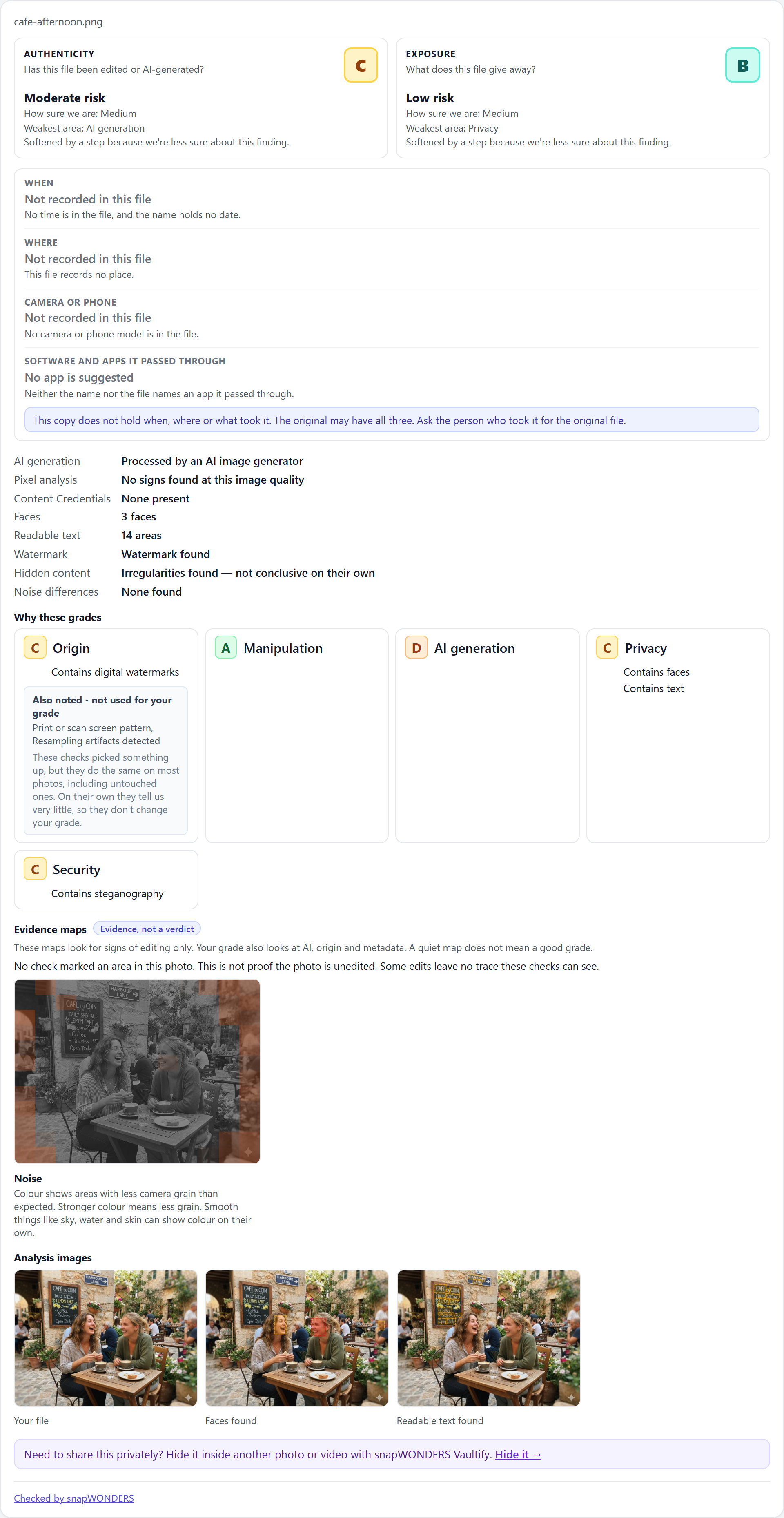
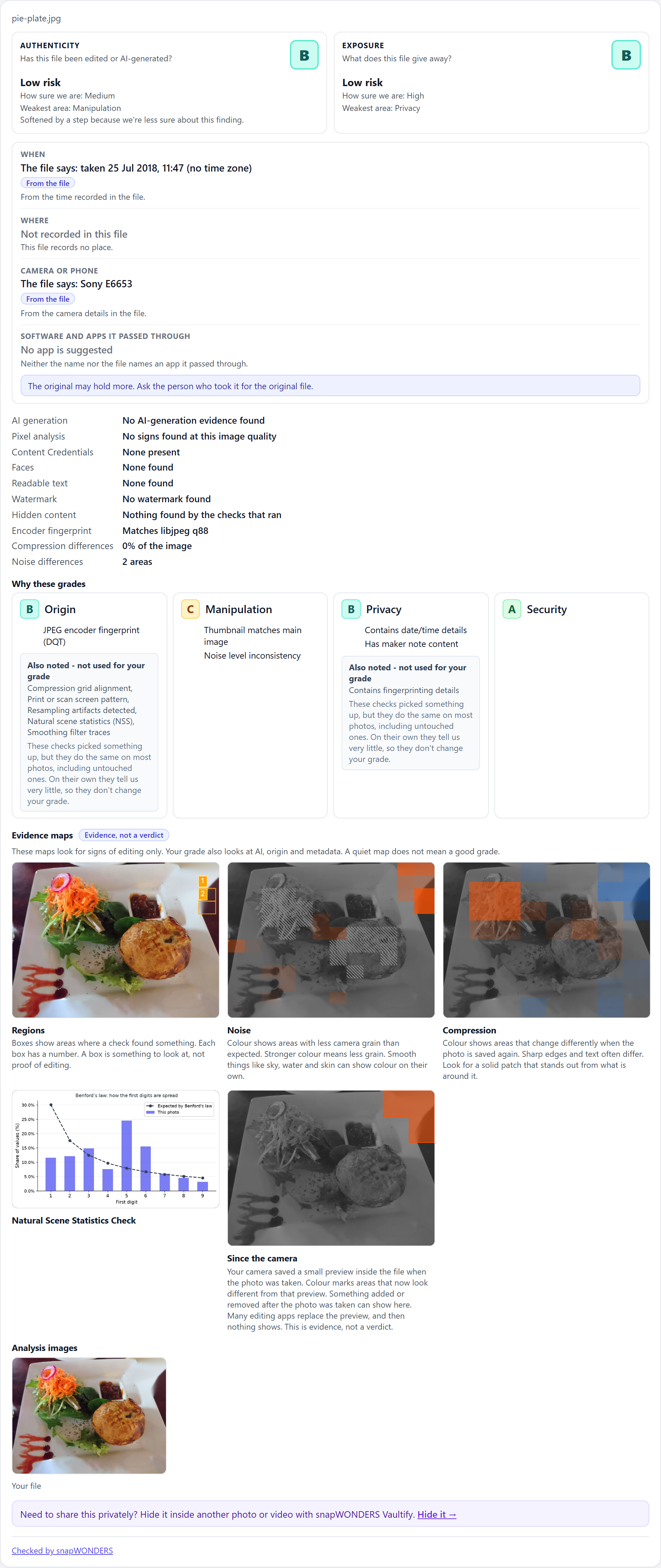
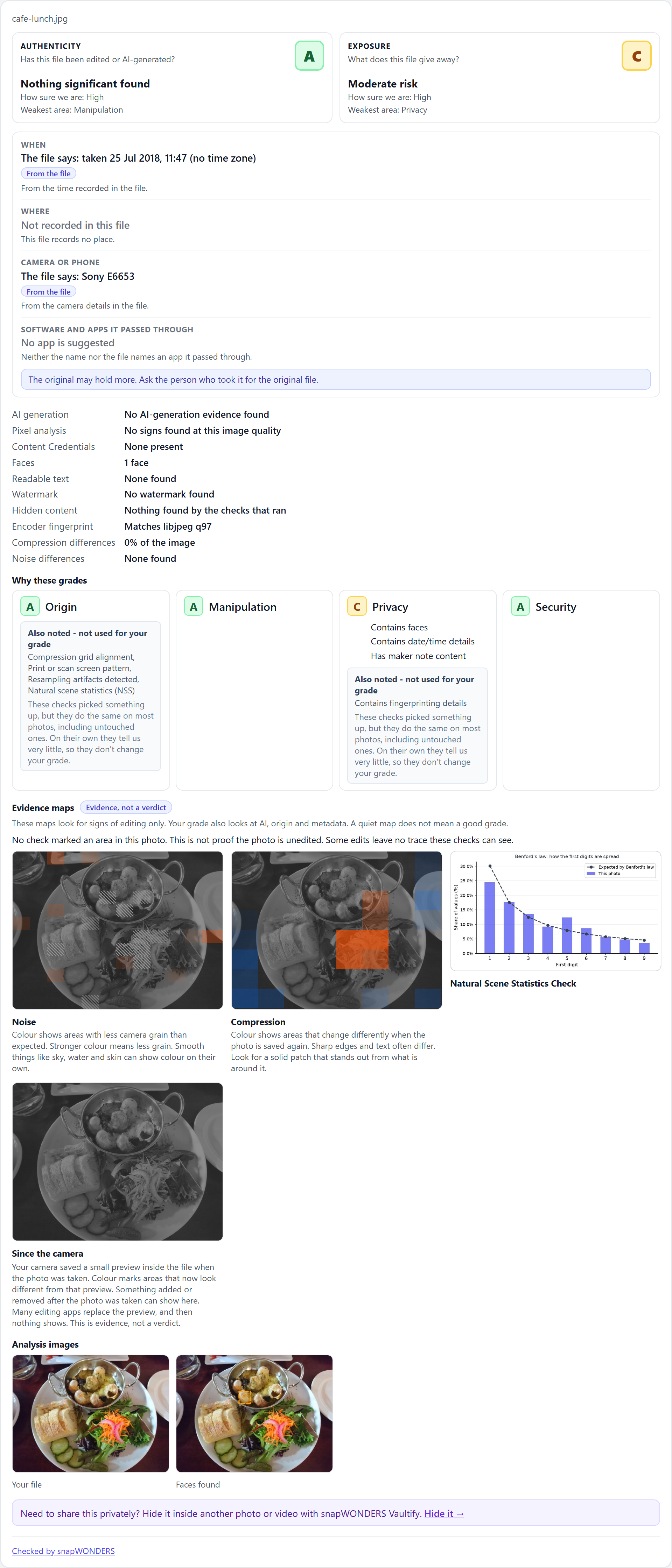
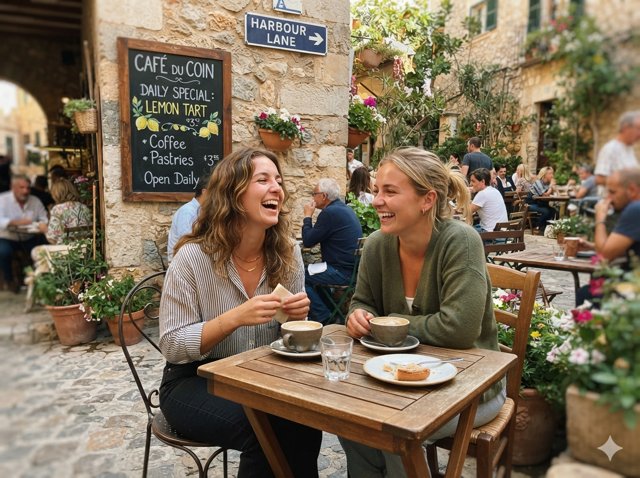
Three real results from the snapWONDERS API: an AI-generated photo, an edited photo and a camera original. Each comes with its JSON, the report drawn from it, and how to draw it in your own app.
From API result to report
- Analyse a file with the API or an SDK.
- Fetch its result:
GET /api/analyse/result/{job_uid}with yourX-Api-Key. It is plain JSON. - Hand the JSON to snapWONDERS Report, a free MIT web component, and it draws the report.
Keep your API key on your server. The analysis images in a result need the key to download, so fetch
them server-side and tell the report where you keep them with assetUrl.
An AI-generated photo
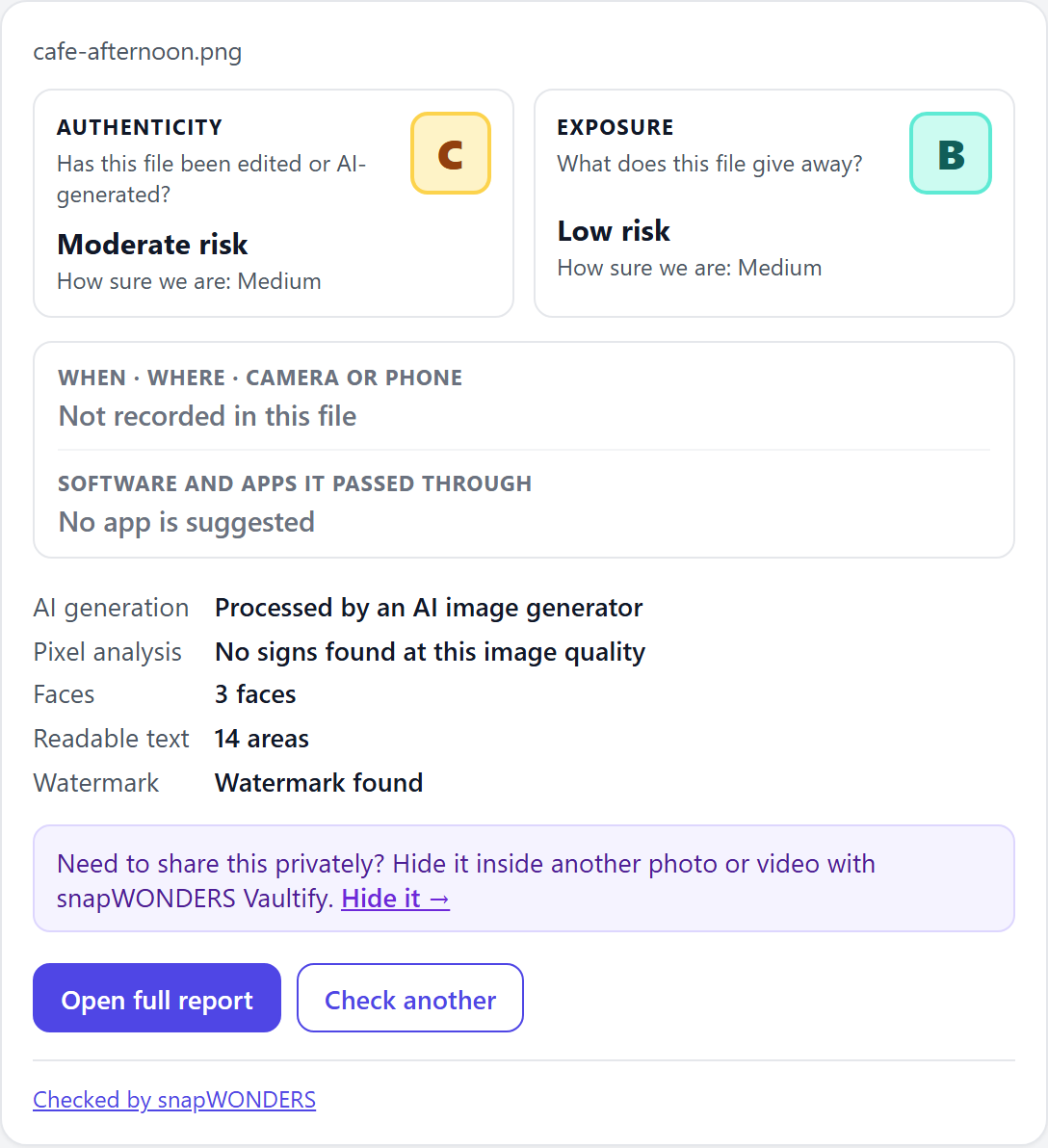
mode="card")An edited photo
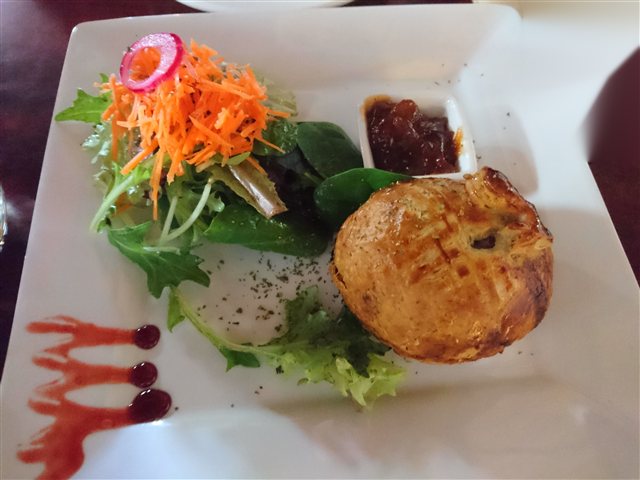
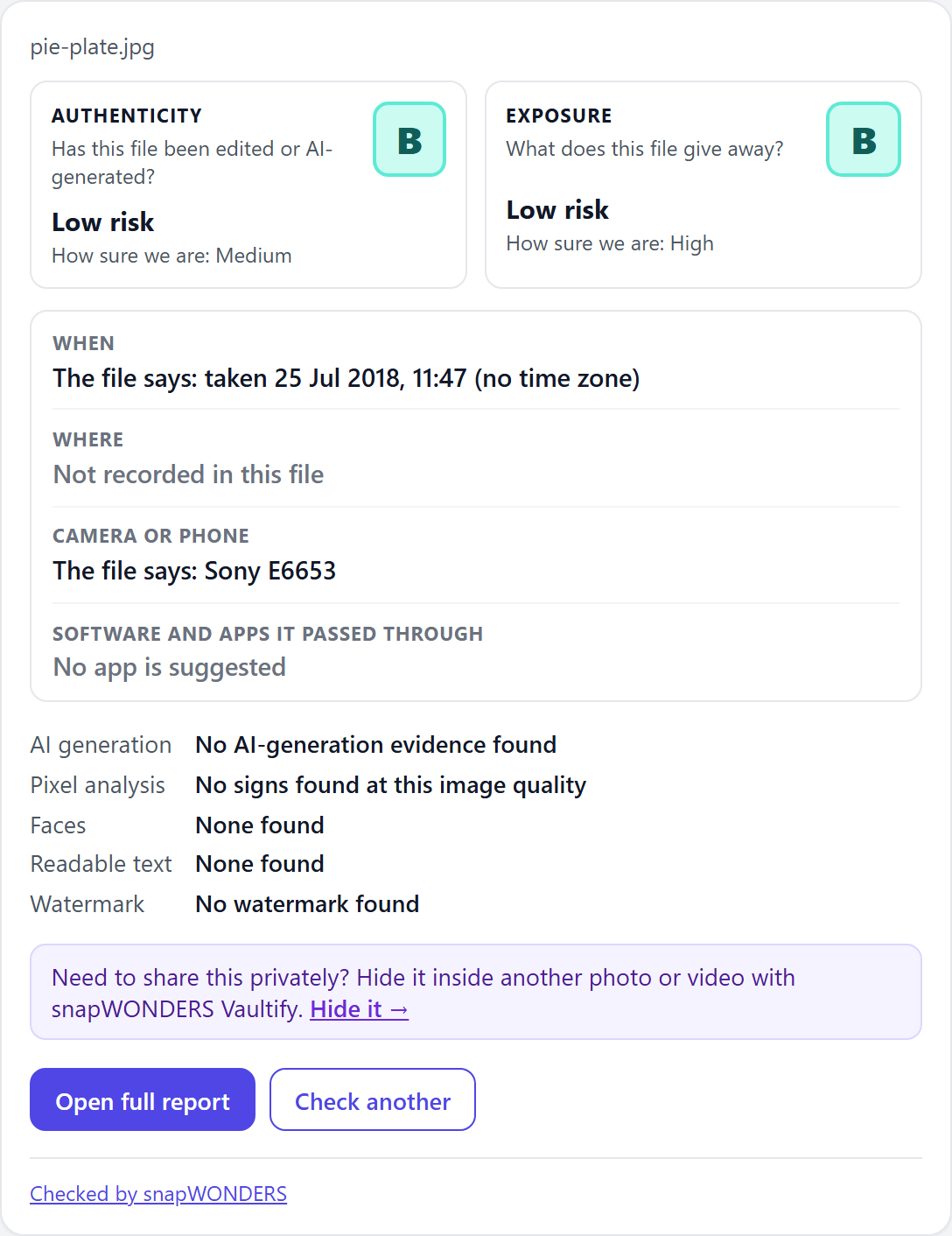
mode="card")A camera original
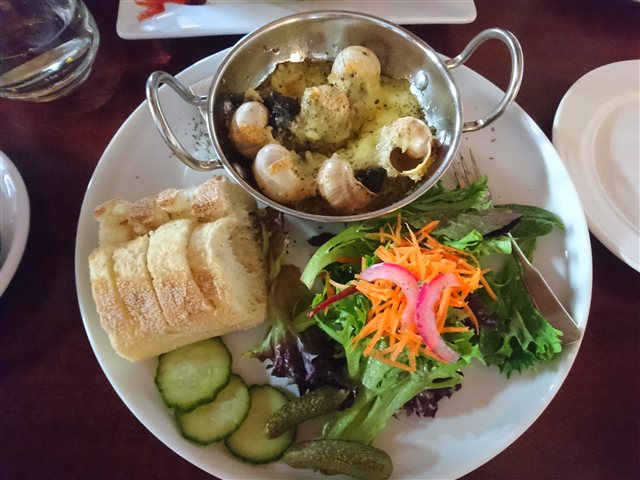
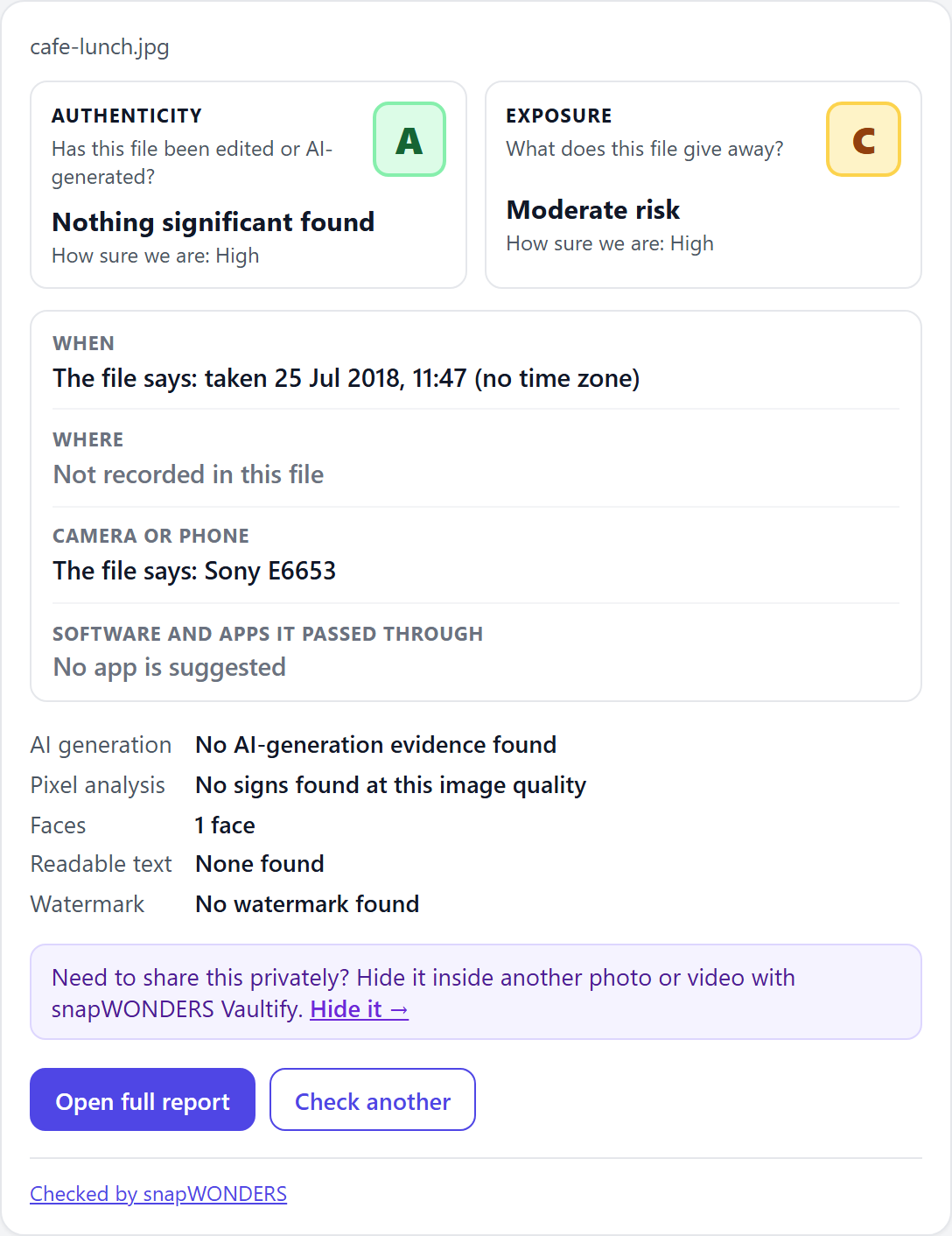
mode="card")Drawing it your way
mode:card(short, as above) orfull(every section, with the evidence maps).report-urladds an Open full report button;check-anotheradds a Check another button.- Theme it with CSS variables:
--sw-font,--sw-bg,--sw-text,--sw-muted,--sw-border,--sw-accent,--sw-radius. - No web page?
buildCardModel()gives you the same wording as plain data, for a native app or your own server-side rendering. - Every result carries
schema_version. A minor version only adds fields, and the report ignores what it does not know.
Every field is in the API reference, under the analyse result.
Steganography examples Coming soon
Worked examples for hiding and revealing a file are on their way. Until then, each SDK's README shows a hide and reveal from start to finish.
Not a developer?
The same three examples, explained without the code: see what a snapWONDERS report tells you.
snapWONDERS Report is MIT licensed. The licence does not cover the snapWONDERS API, the snapwonders.com website or anything it hosts, including these example photos, results and report images, or the snapWONDERS and Vaultify names and logos: these are © Kenneth Springer @ snapWONDERS, all rights reserved.